Polar
Learn how to set up Polar with supastarter.
Get the access token
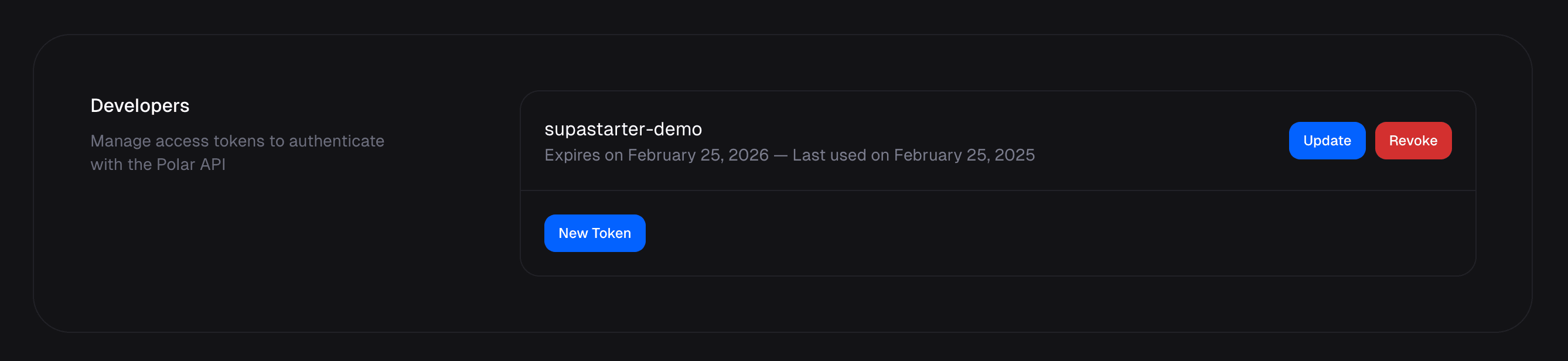
After you have created your account for Polar and created your store, you will need to get the API key. Under the Settings, scroll to Developers and click New token.
Enter a name for the token, set the expiration duration and select the scopes you want the token to have. To keep it simple, you can select all scopes.
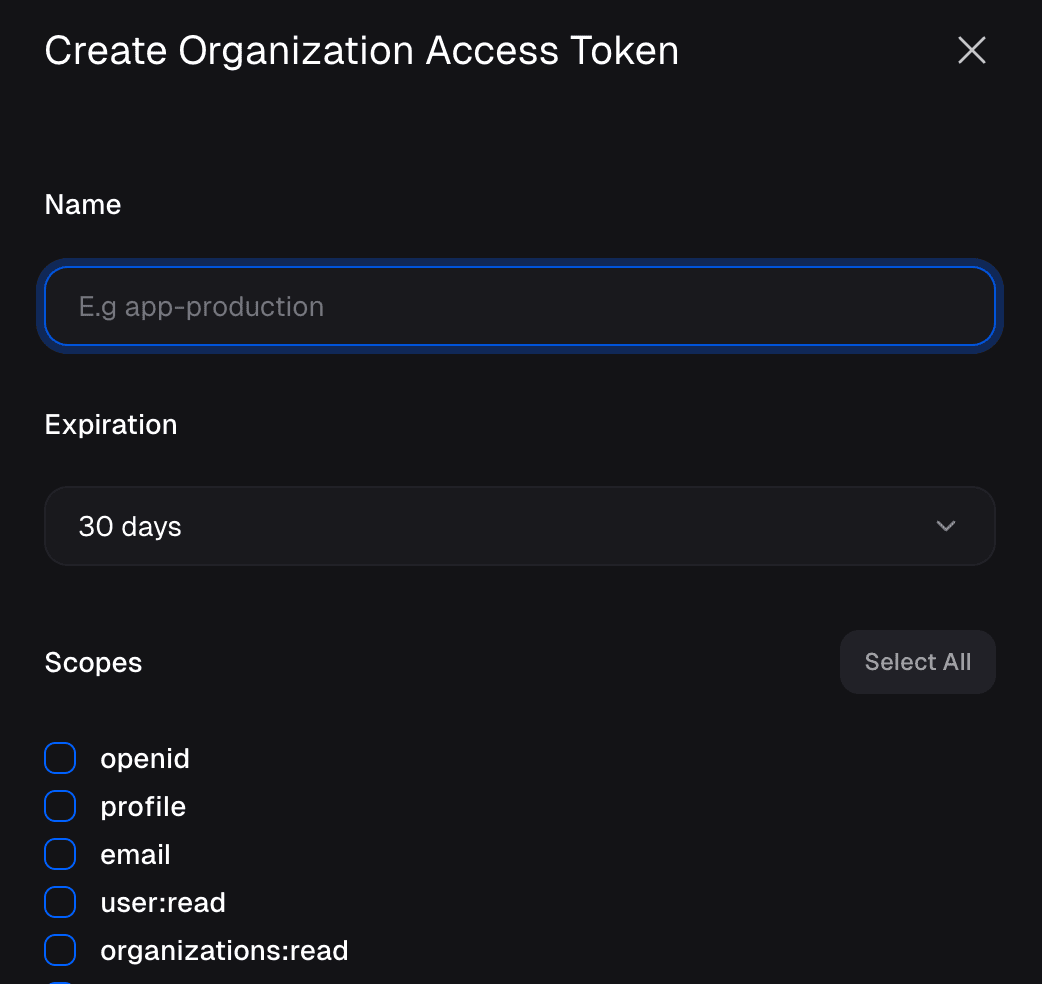
Copy the token and save it in a secure location. You will not be able to access it after you leave the page.
Create products
For your users to choose from the available subscription plans or one-time purchases, you need to create those in the Products tab of the Polar dashboard. You can create as many products as you want, but you will need to create at least one product for the integration to work.
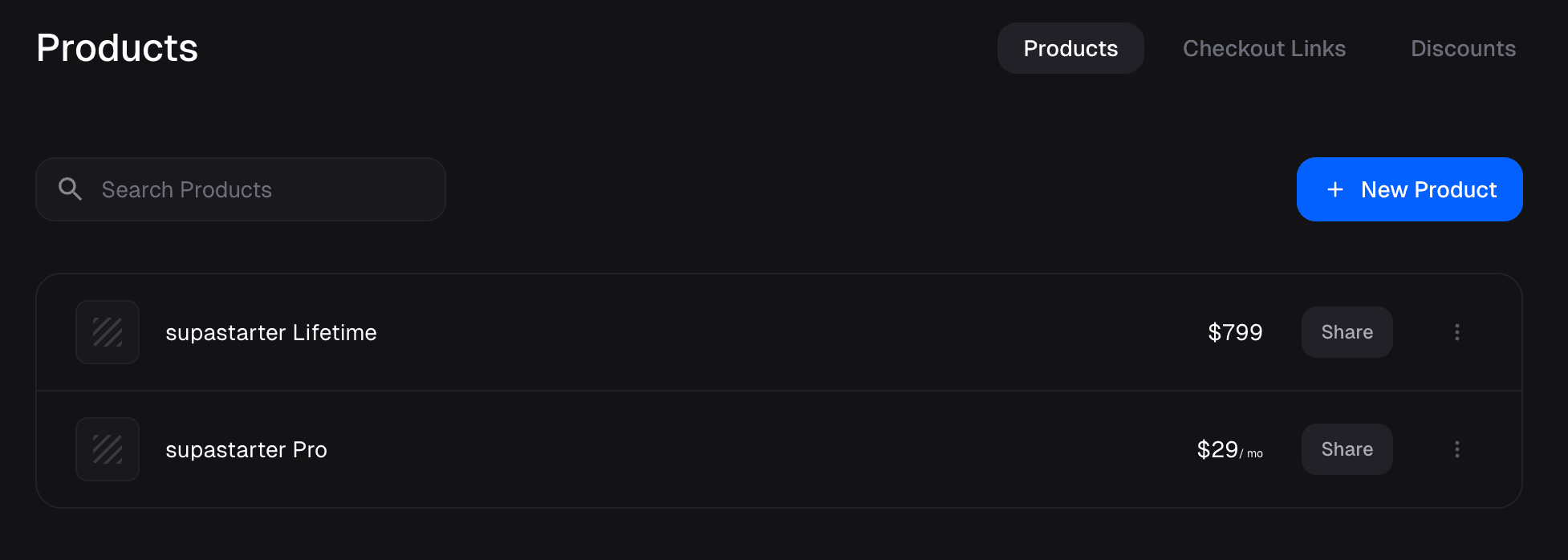
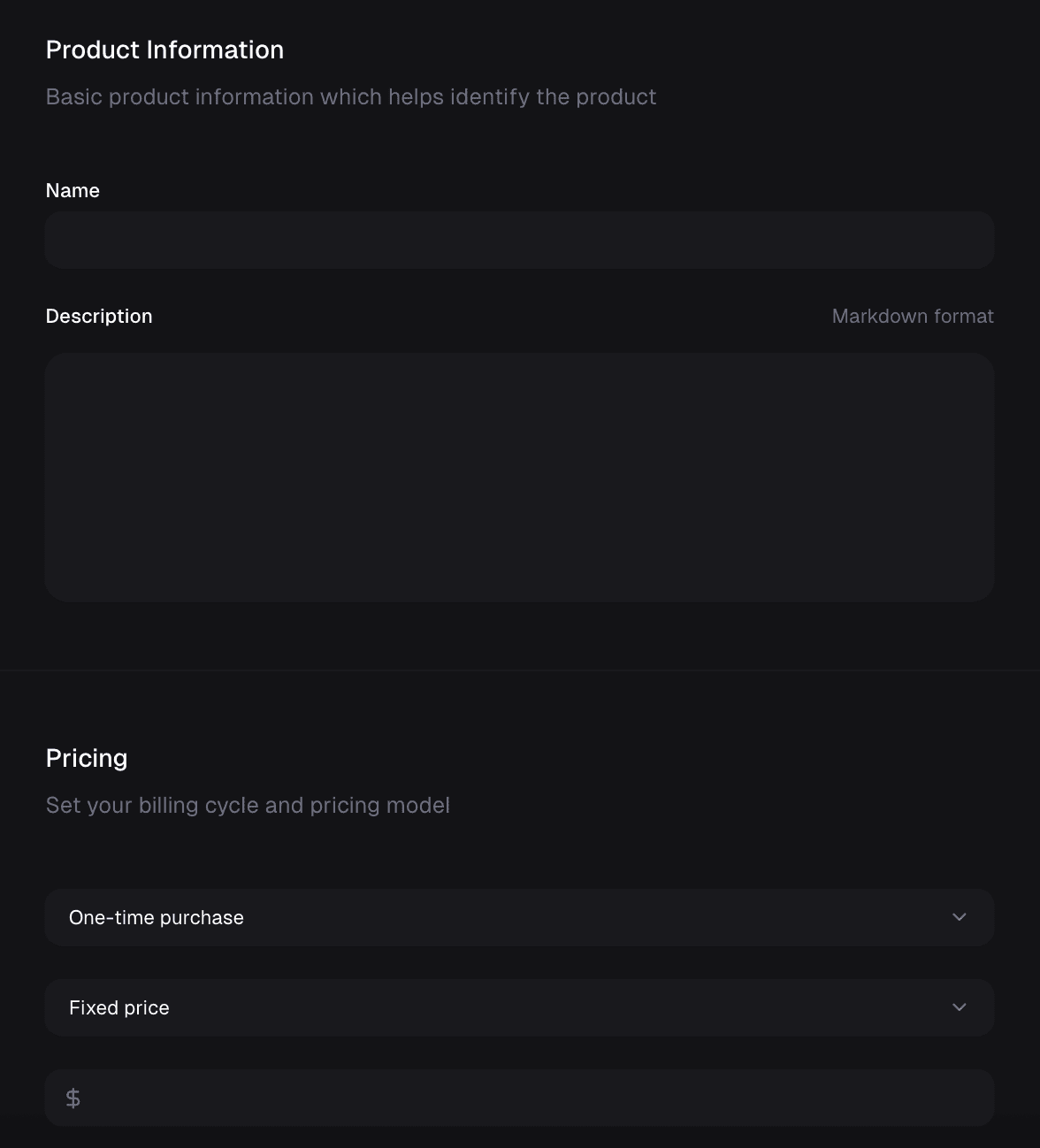
Create one product per plan you want to offer. If you want to offer different billing intervals or currencies, create a new product for each.
Create a webhook
To sync the current subscription status and other information to your database, you need to set up a webhook.
The webhook code comes ready to use with supastarter, you just have to create the webhook under Settings > Webhooks in the Polar dashboard.
Enter a name for the webhook and select at least the following events:
order.createdsubscription.createdsubscription.updatedsubscription.canceled
Local development
If you want to test the webhook locally, you can use ngrok to create a tunnel to your local machine. Ngrok will then give you a URL that you can use to test the webhook locally.
To do so, install ngrok and run it with the following command (while your supastarter development server is running):
ngrok http 3000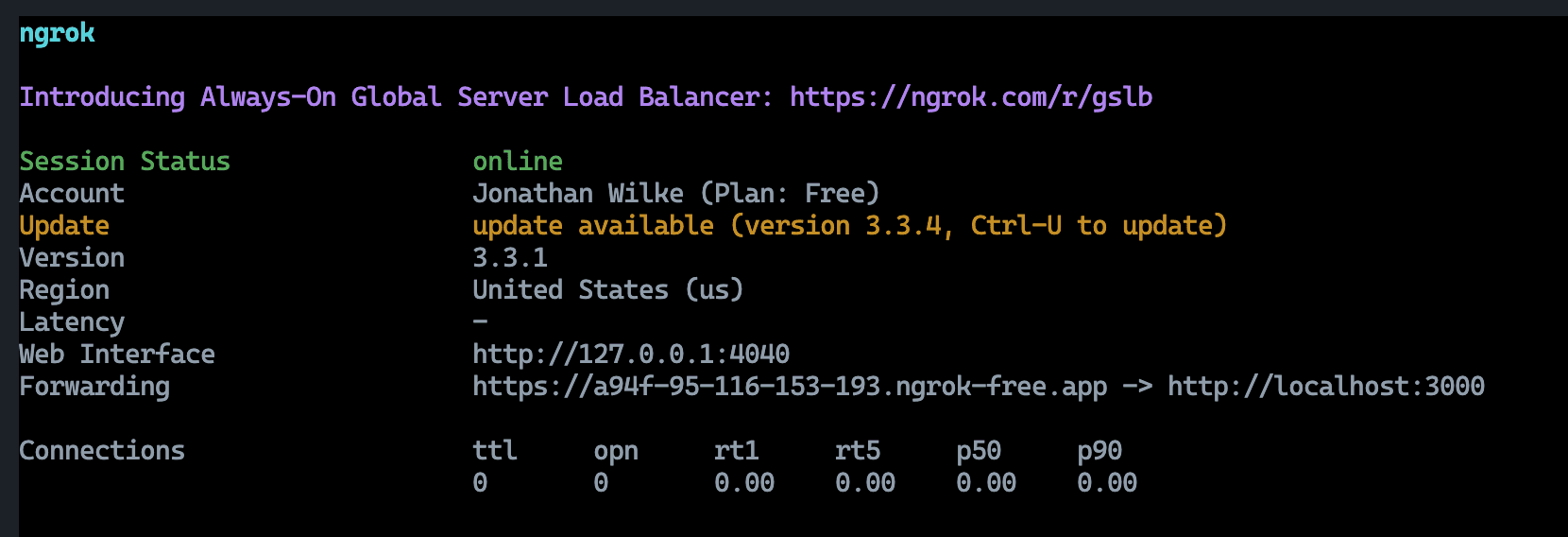
This will give you a URL (see the Forwarding output) that you can use to create a webhook. Just use that url and add /api/webhooks/payments to it.
Production / preview deployment
When you have already deployed a version of your project, you can use the actual URL to create the webhook with. This will be necessary for a production version your app later anyway.
Make sure you have a deployed version that has the POLAR_WEBHOOK_SECRET environment variable set.
Then you can use the URL of your deployed app and add /api/webhooks/payments to it.
Example URL: https://your-app.com/api/webhooks/payments
After creating the webhook, you will get a webhook secret. Copy this secret and save it in a secure location.
Add environment variables
To use the Polar integration, you need to define the following environment variables to your .env.local as well as your staging and production environments:
POLAR_ACCESS_TOKEN="" # Your Polar access token
POLAR_WEBHOOK_SECRET="" # The secret key of the webhook you created (see above)
Set up products in app
The created products have to be defined in the packages/payments/config.ts file. See the plans documentation for more details on plan configuration.
Set currency for locales in your app
You can configure the currency for each locale in packages/i18n/config.ts.