Vercel
Learn how to deploy your supastarter application to Vercel.
This guide will show you how to deploy your supastarter application to Vercel.
Deploying to Vercel
Vercel is one of the many ways to deploy Nuxt apps. It has a great DX, lots of features and is free for hobby projects.
Setup vercel account
To host your project on Vercel you first have to create an account.
Connect your git repository
After signing up you will be prompted to import a git repository. Select the git provider of your project and connect your git account with Vercel.
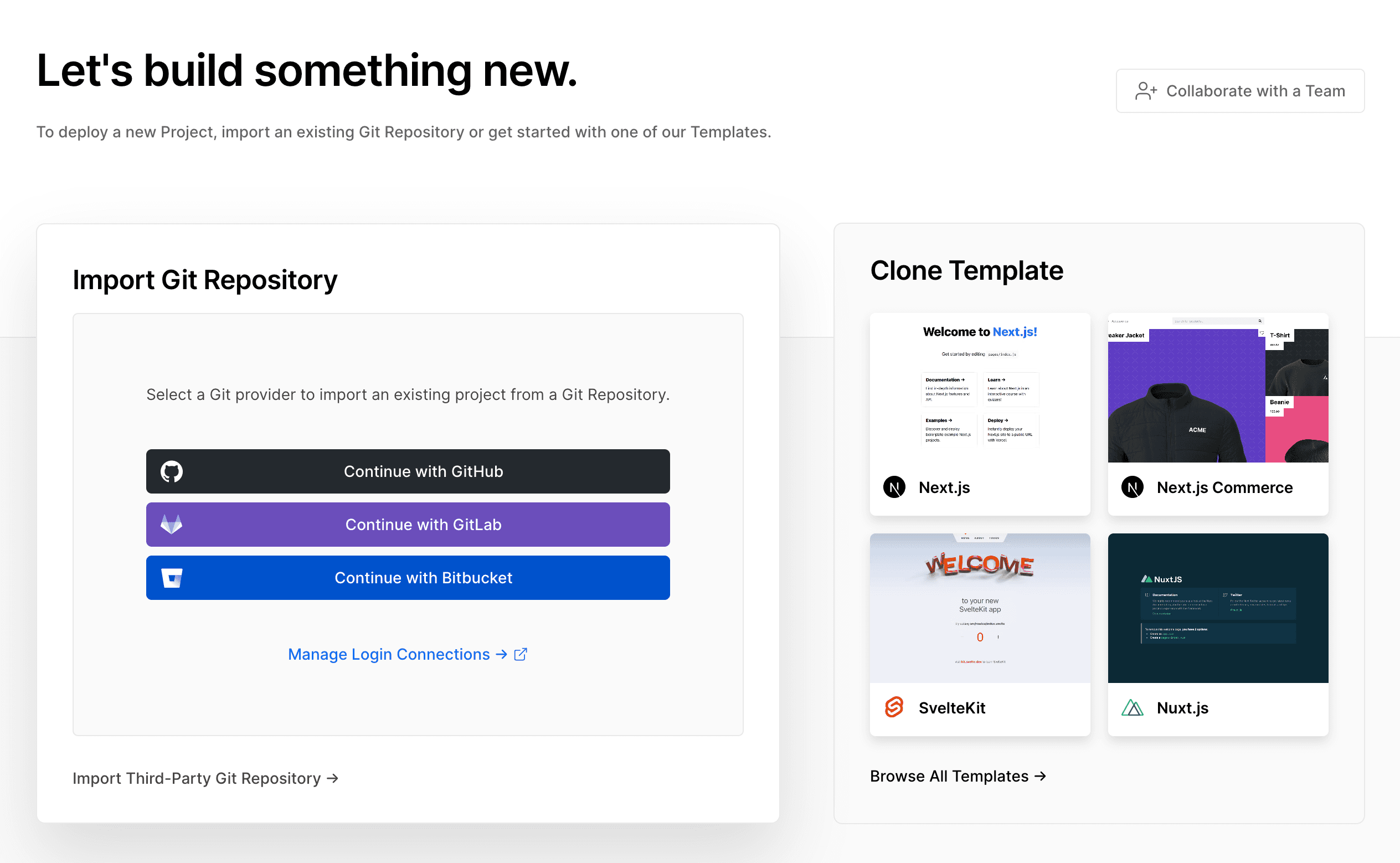
Now you will see a list of all your projects. Select the project you want to deploy and click on the Import button.
In the Configure Project view expand the Environment Variables section and add the following variables one by one (you can copy them from the .env file in your projects root too):
NUXT_PUBLIC_SITE_URL="<YOUR_SITE_URL>"
DATABASE_URL="<YOUR_DATABASE_URL>"
The NUXT_PUBLIC_SITE_URL is the base url of your site, e.g. https://your-app.com.
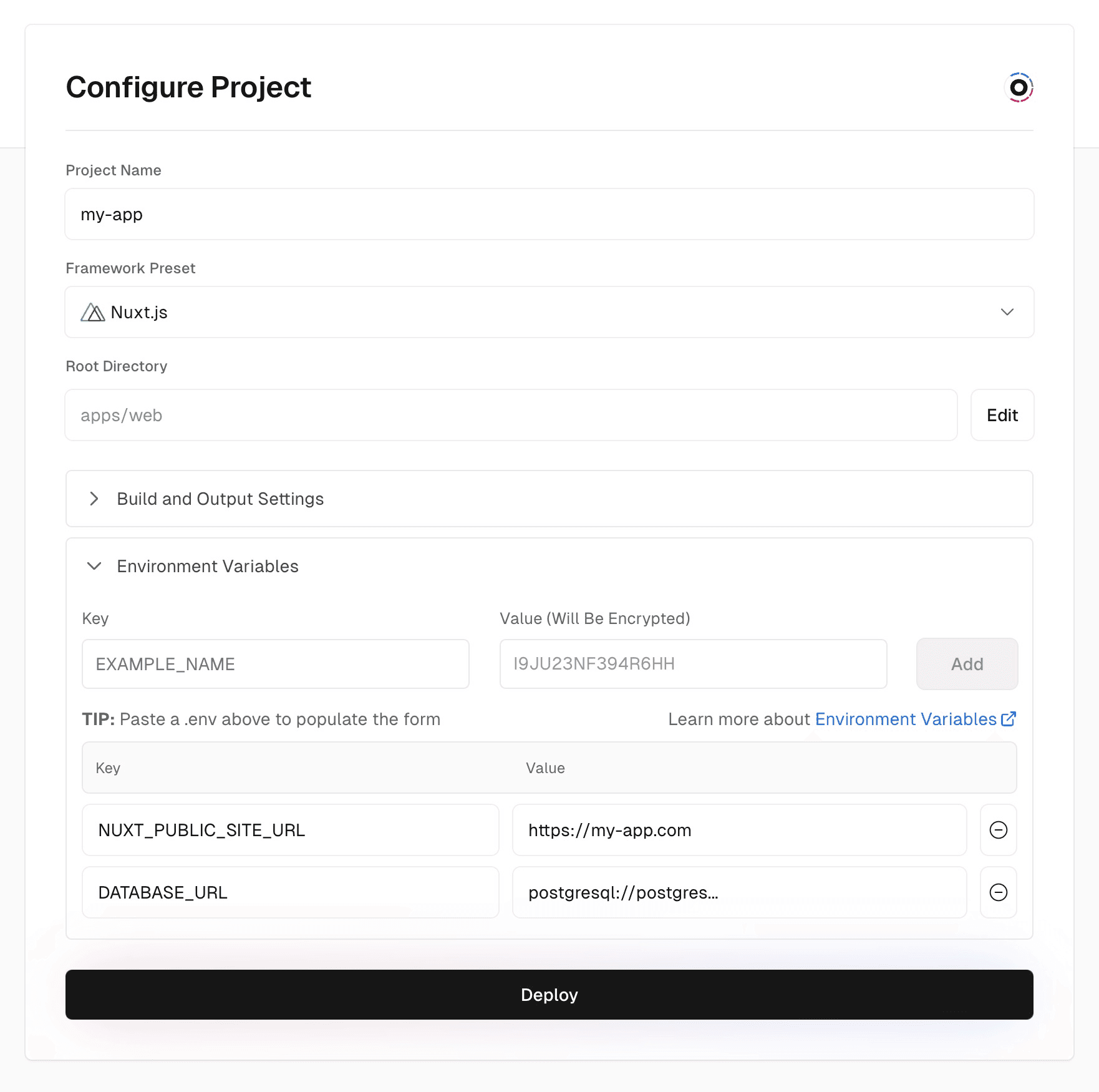
Then click the Deploy button and your project will be deployed.