Super Admin & Admin UI
supastarter comes with an admin role and a UI for managing users and organizations out of the box. The only thing you need to do is to create a new user and assign it the admin role.
Create a new user
You can just use the UI of your application to create a new user with email address and password or with a social login.
Assign admin role
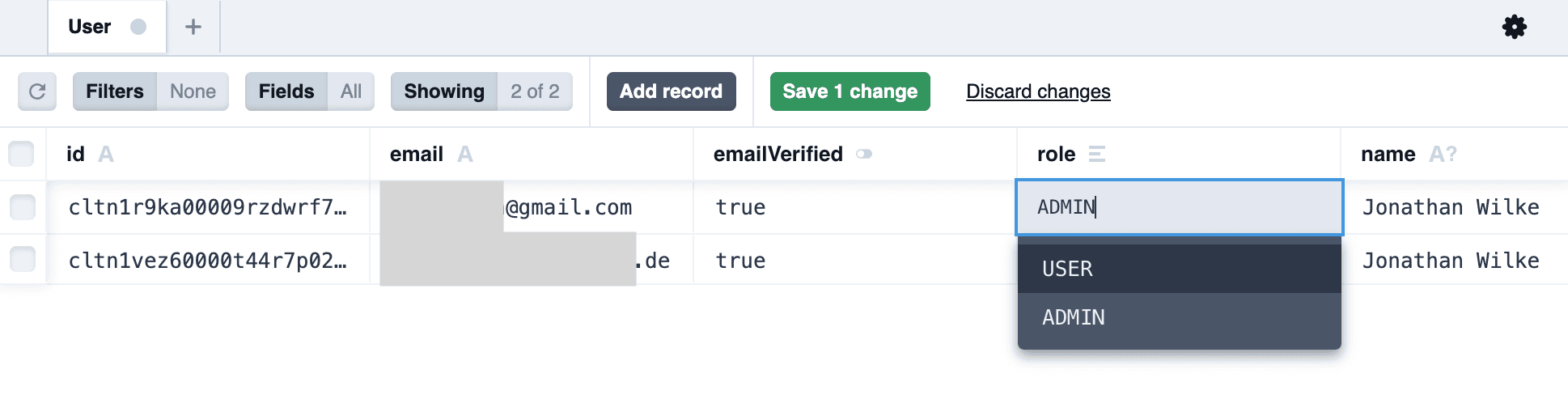
To assign the admin role, first start Prisma Studio by running the following command in your terminal:
pnpm --filter database studioA new browser window will open with Prisma Studio. Select the user table and find the user you just created. Then, click on the role field and set it to admin.
Lastly hit the button saying Save 1 change to save the new role.
Access the Admin UI in your application
Now, when you log in with the admin user, you will see a new item in the navigation called Admin:
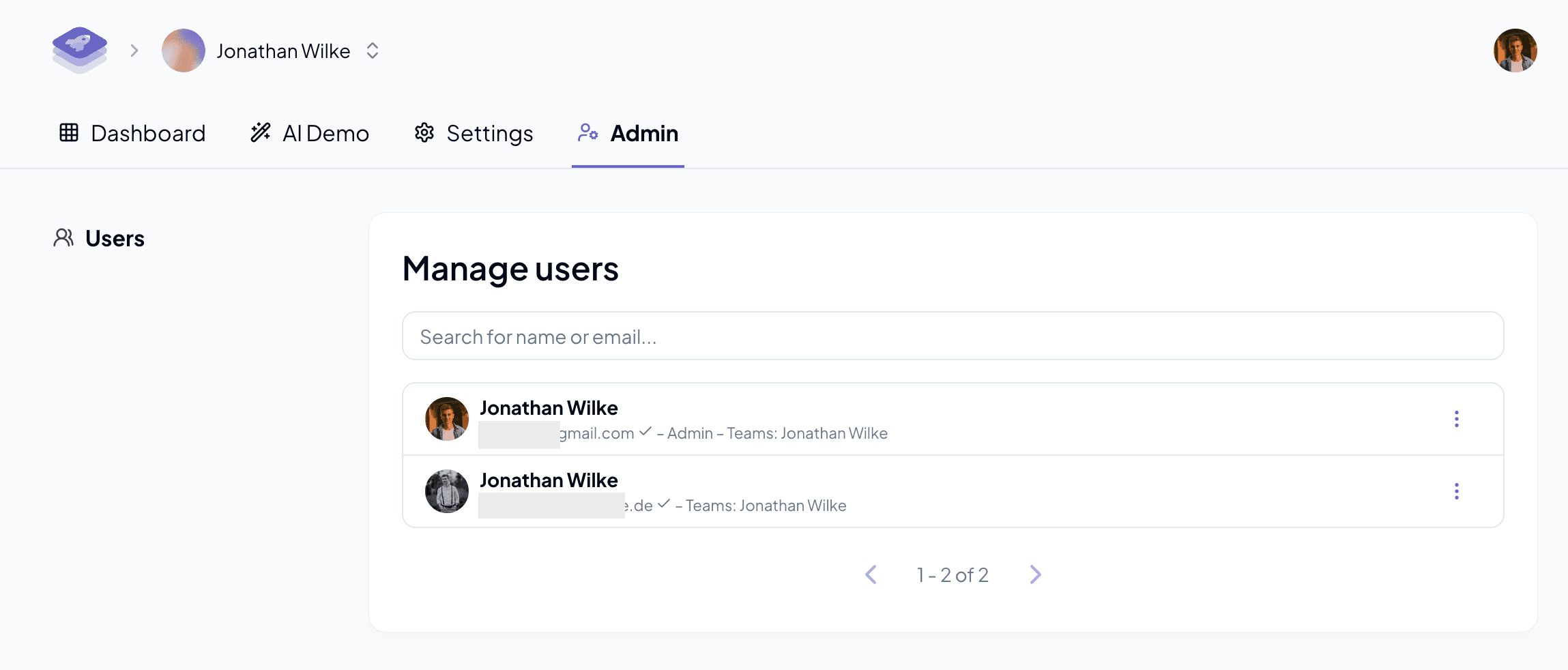
The admin UI allows you to:
- List and search users
- List and search organizations
- View organization details
- Ban or unban users with an internal reason and optional expiration