Adding Vemetric for analytics

Jonathan Wilke
7/15/2025
Today we are excited to add Vemetric as a new ready-to-useanalytics provider in supastarter.
Vemetric is open-source and privacy-first. It helps you to understand the complete user journey from first visit to feature adoption.
Here is a quick guide on how to track your supastarter app with Vemetric.
1. Install the Vemetric package
pnpm add --filter web @vemetric/react2. Activate Vemetric as your analytics provider
To use Vemetric in your supastarter app, rebase your supastarter to the latest version and set your analytics provider to Vemetric.
export * from "./provider/vemetric";3. Provide your public token
From the Vemetric settings page, get your public token and add it to your environment variables.
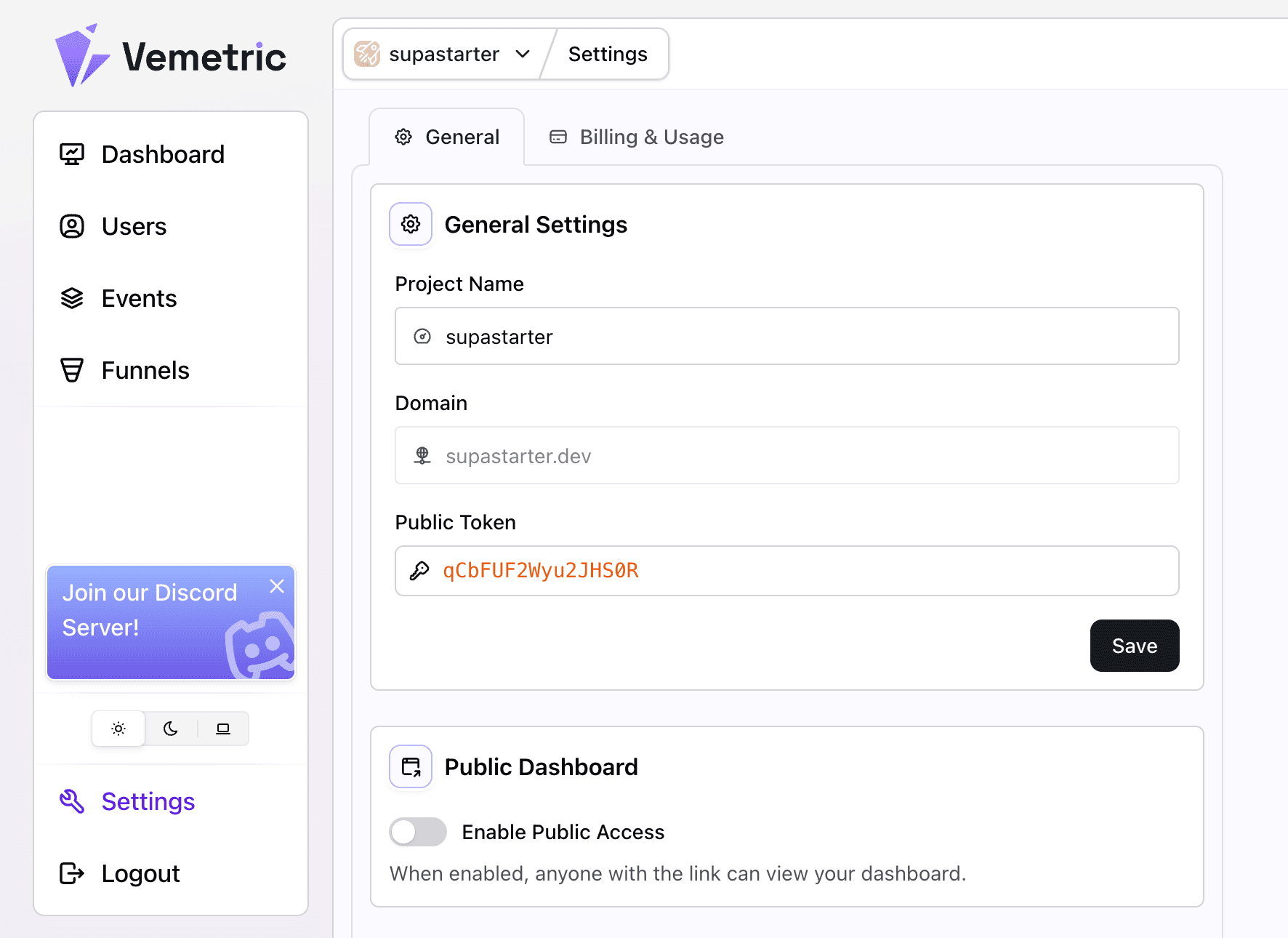
NEXT_PUBLIC_VEMETRIC_TOKEN=your-public-tokenAnd that's it! You're should now see your data coming flowing in to your Vemetric dashboard.
To track custom events, simply use the useAnalytics hook to track events:
import { useAnalytics } from "@analytics";

export function YourComponent() {
  const { trackEvent } = useAnalytics();

  return (
    <button onClick={() => trackEvent("button-clicked", { value: "asdf" })}>
      Click me
    </button>
  );
}
For further instructions, follow the general analytics instructions and the Vemetric documentation.
Start your scalable and production-ready SaaS today
Save endless hours of development time and focus on what's important for your customers with our SaaS starter kits for Next.js, Nuxt 3, and TanStack Start